Your whole event, captured by everyone there
Turn everyone in the room into your content team, with one QR code.Conferences, summits, trade shows, company offsites: turn hundreds of attendees into your content team with a single QR code.
Your team cannot be in every room.
Everyone at your event already is. Put the code on the badge and the keynote, the booth and the hallway all land in one feed, and you decide what goes public.
corporate events · summits · trade shows · company offsites · team retreats · award nights · meetups
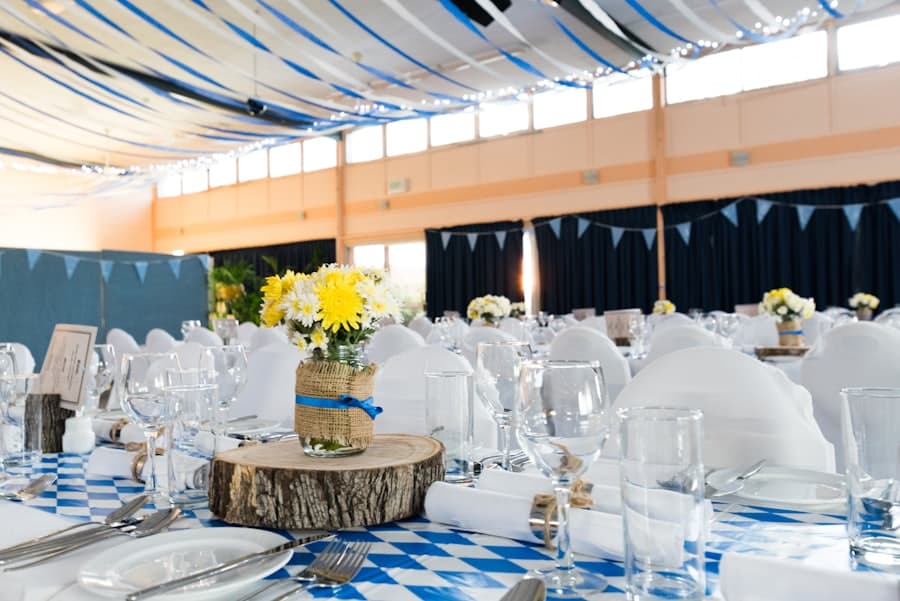
Here is how it works for your conference.
Built for conferences
Crowd-sourced coverage
Talks, booths, and networking moments from across every room and track, gathered into one feed.
Curate before you reshare
Approve uploads before they appear, then pull the best shots for recaps, socials, and sponsor reports.
CurationOne code on every badge
Print the QR on badges, signage, or the slide deck. Attendees scan and contribute in seconds.
Control and safety
Review what shows, hide anything off-brand, and rest easy: every report gets reviewed.
Open a conference that already happened.




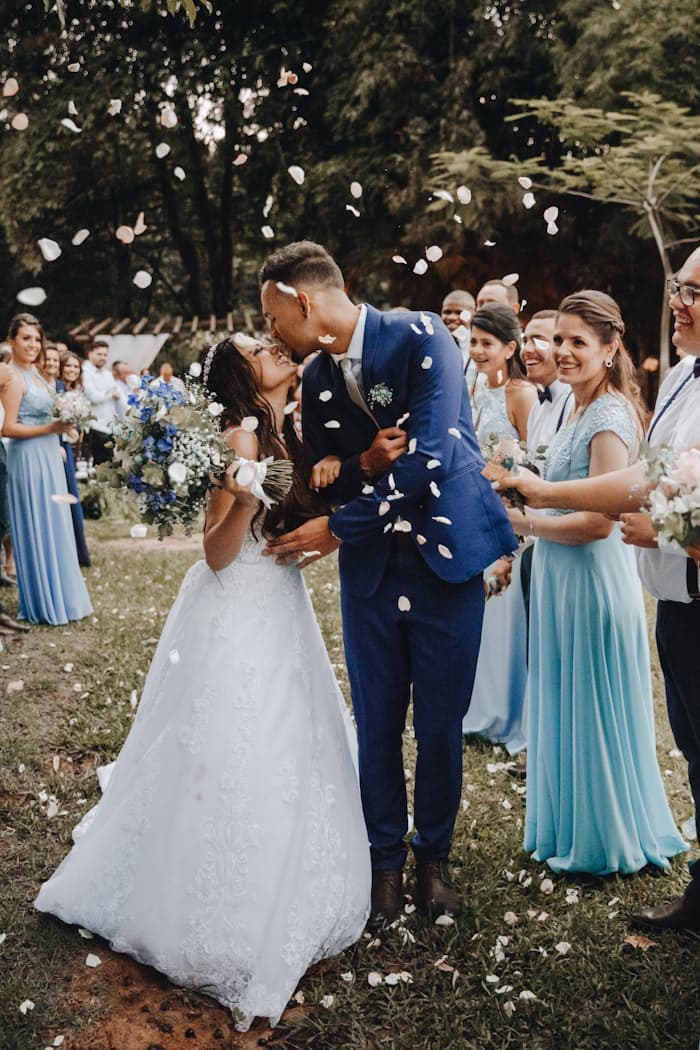






A real album, open with no sign-up.
Explore the demo
Everyone's conference photos, live as they land.
The keynote, the booths, and the hallway conversations, looping on the screens between sessions as attendees add them.
Common questions
They scan a QR code (on a badge, a sign, or a slide) and upload from their phone browser. No app required, and no attendee onboarding.
Yes. Turn on review and every upload waits for approval before it appears, so you control what represents your event.
Yes. Download any photo or video at full quality to use in recaps, social posts, and sponsor reports.
Yes. There's no attendee limit, and you can pick a storage plan sized to the volume of media a big event generates.
Capture your whole conference.
Free to start. No app required for your guests.