



Every photo, from every guest, in one place.
One code in the room. Every phone uploads into the same album, live, at full quality.

Scan, and they’re in.
Guests point a camera at the code, land on the event's welcome, and start adding. New events ask for an email first.
- 01No app, everThe code opens the album in the browser they already have. Point, tap, add. Nothing to install.
- 02Every upload, a nameAsk for an email first and guests confirm one once. Switch it off and guests choose a display name instead.
- 03One link, foreverThe code is the album link. Scan it, tap it in a chat, open it later. Pro and Event Pass can name it.
Land once, show up everywhere.
One upload, every open album at once: the phones in the room, the laptop by the door, the TV above the bar. No refresh.
Nothing gets squeezed.
Originals in, originals out. Photos on every plan, video on Pro and Event Pass.
- Photos
- JPEG · PNG · WebP · HEIC · HEIF · AVIF
- Video
- MP4 · MOV · WebM


Live as it happens, or held for you.
Guests only ever see approved photos. Whether that means the moment they land, or after you say so, is one switch.
 Developing


Uploads appear the moment they land. Hide any with a tap.
Every shot says who took it.
Open any photo and the name is right there. Every upload carries one, confirmed or chosen.
- A display nameConfirmed once, it rides on everything they add.
- HostYour own uploads carry the badge, always.
- UnverifiedA typed name, no confirmed email. Confirm any time to clear the mark.
As public as you make it.
One setting decides who sees the album. A new event asks guests for an email first.
Public
Anyone with the link or the code comes in.
An email first
On by default. 9 show, the rest after an email code.
Private · Password
The link, then the password you share with them.
Only me
Only you can open it. Guests meet a closed album.
Every gate, the password and the invite list included, comes with every plan.
Album links are never listed by search engines.
Everyone leaves with everything.
The album is the share. Save one shot, take the whole thing, and clip the reel.
Save one
Save hands back the file that was uploaded, at the size it was shot.
Take all of it
Select it all, then Save: light copies to Photos, or every original as a zip.
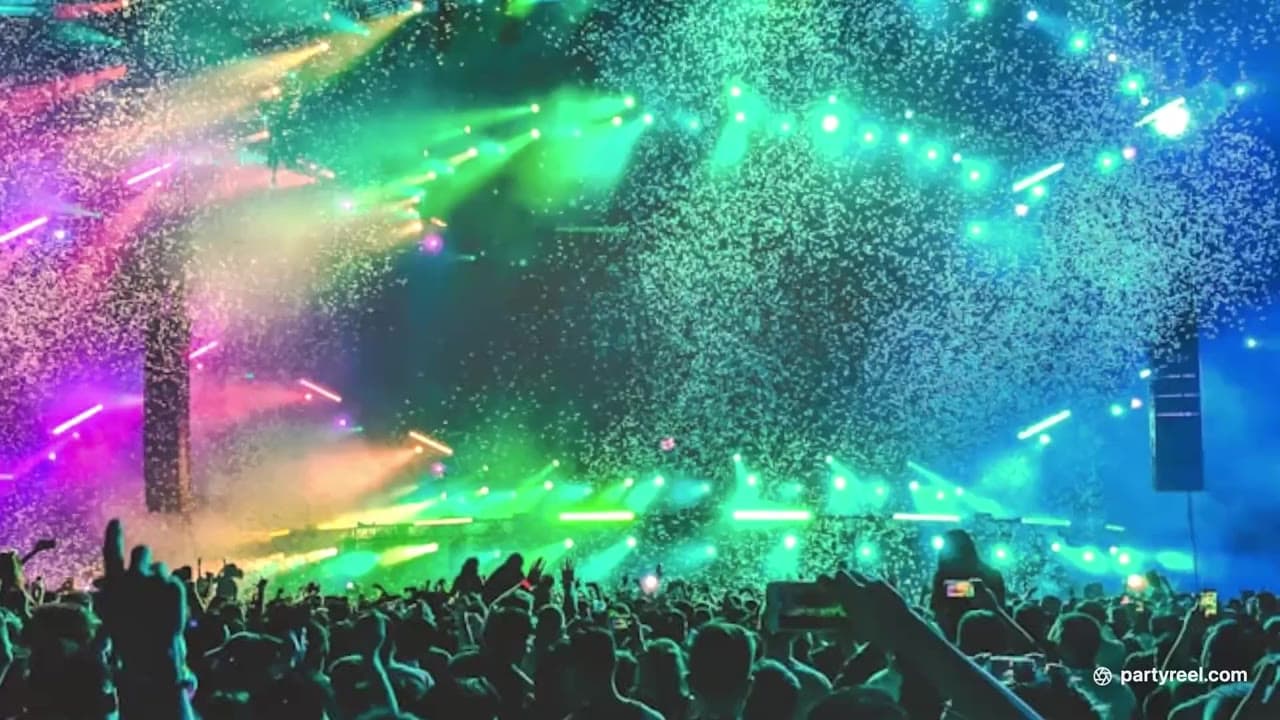
Clip the reel
Make your own from the reel on your phone, then save it or send it on.
Room for the whole event.
A plan is an amount of album, not a count of photos. Every file draws from one pool.
Free
100 MB
about 29 photos
$0
- Photos only
- 1 event
- Never expires
Event Pass
25 GB
about 7,314 photos
$29 one-time
- Photos and video
- 1 event per pass
- Covers a year
Pro
50 GB
about 14,629 photos
from $9/mo
- Photos and video
- Unlimited events
- 50 GB, 200 GB, or 1 TB
Estimates are at an iPhone's default camera settings: about 3.5 MB a photo (24 MP) and 65 MB a minute of video (1080p at 30 fps).
At the cap, uploads pause. Nothing already in the album changes.
Delete anything and the room is back at once. Your own uploads count too.
Pick a video on Free and guests see “This event accepts photos only.”
It stays.
An album is for after, not just the day. Here is how long it stays.
- 01
Created
It exists the moment you name the event.
- 02
Stays
Never expires. Up until you say otherwise.
- 03
You delete
Waits 30 days in Deleted. Restores as it was.
- 04
Gone
After that, the files are deleted for good.
Stop paying, keep everything
End Pro and the album stays. Over the 100 MB Free cap? 45 days to trim first.
A pass covers its year
365 days per pass. Renew, move to Pro, or lapse into the same 45-day window.
Free albums need a visit
Idle 24 months? An email 2 weeks ahead, then 30 days in Deleted to restore.
Every file is copied to a second region within seconds and held for 35 days.
How long media is keptCommon questions
Yes. One link per event, the code is that link, and it never changes; Pro and Event Pass can add a named one.
Yes. A free one, with an email or Google. Guests need nothing unless you ask for an email first.
Only in Live mode. Turn on Review and every upload waits for your approval before anyone sees it.
Yes, if you allow it. They type a display name at the door and their photos carry a small unverified mark until they confirm it.
Yes, right on the album or from their profile, and it's gone for good: you can't restore it. As host you can remove anything.
New uploads pause. Nothing already in the album changes; delete something or upgrade and uploads resume.
Photos on every plan. Video on Pro and Event Pass, up to 10 GB a file, no compression, no duration cap, and one switch keeps an album to photos.
No. Events never expire. Leave Pro and everything stays; over the 100 MB Free cap you get 45 days to trim.
Yes, as its reel. Open the highlight reel on the laptop by the screen and press Play on a screen; new photos join it as they land.
The exact details live in the help center
Give the next one an album.
Start free. Share one code and the album fills itself.